

How to Add Tags
- Open the Trade Tab Navigate to your tab in Allasso Trade.
-
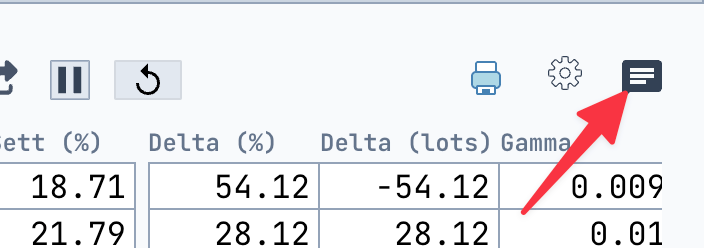
Click the Comment & Tags Icon
In the upper-right corner of the tab (📄💬 icon), click to open the Comment & Tags popup.
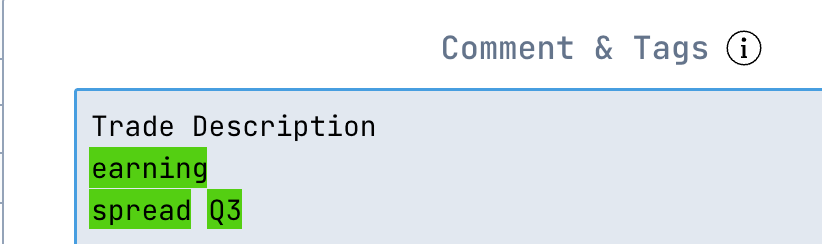
- Enter a Description (Optional) Use the text area to add notes or a description for the trade.
-
Add Tags
On a new line or after a space, type your tag starting with a
#(e.g.,#earnings,#spread,#Q3).- Press Enter after each tag.
- You can add up to 10 tags total.
💡 Tip: Use consistent tag formats to keep your workspace organized.